Create Immersive 360° Tours on Your Desktop
Virtual360 Studio is the professional Electron-based desktop application for creating, linking, and exporting stunning 3D tours offline with raw GPU power.
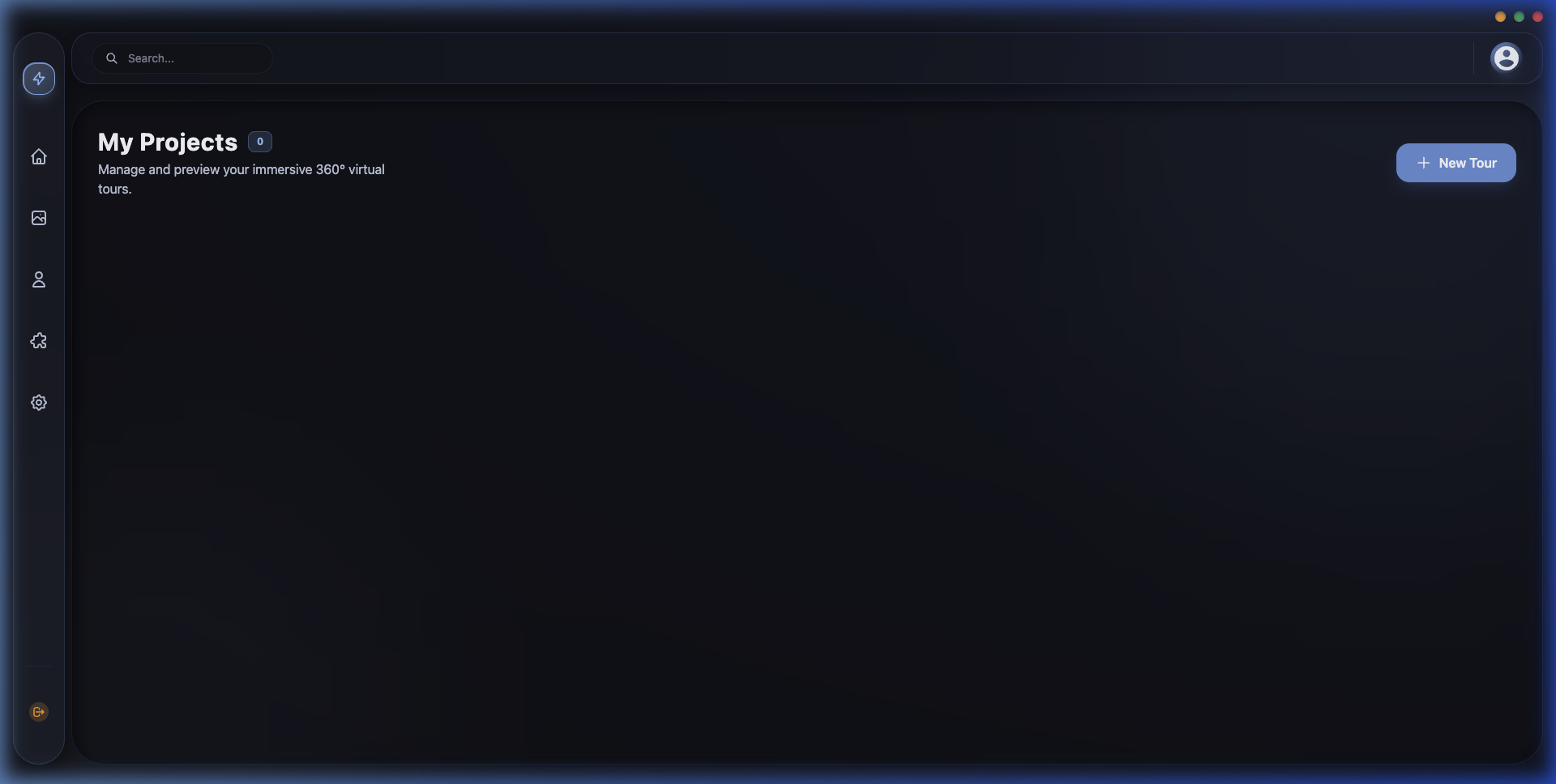
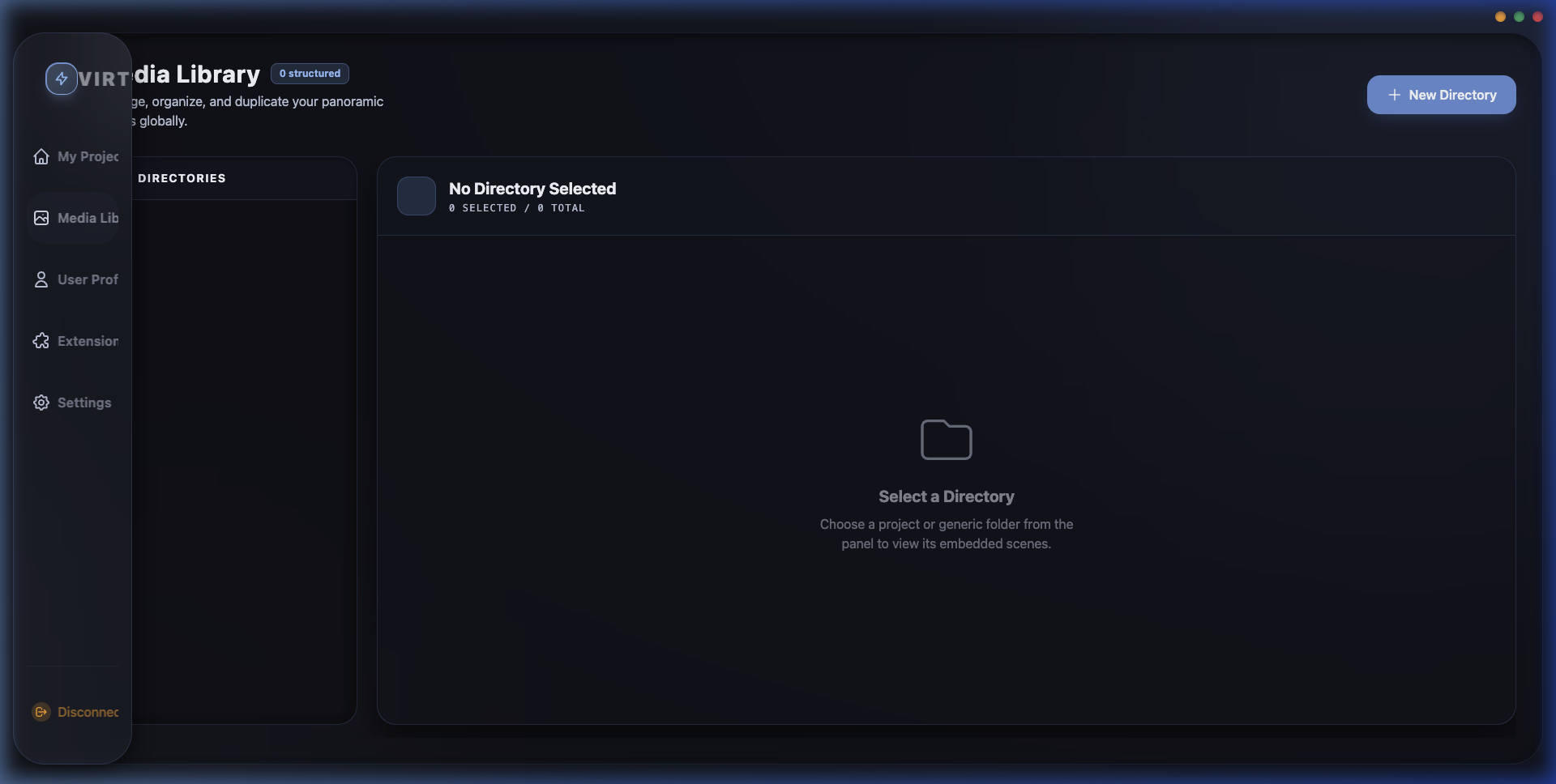
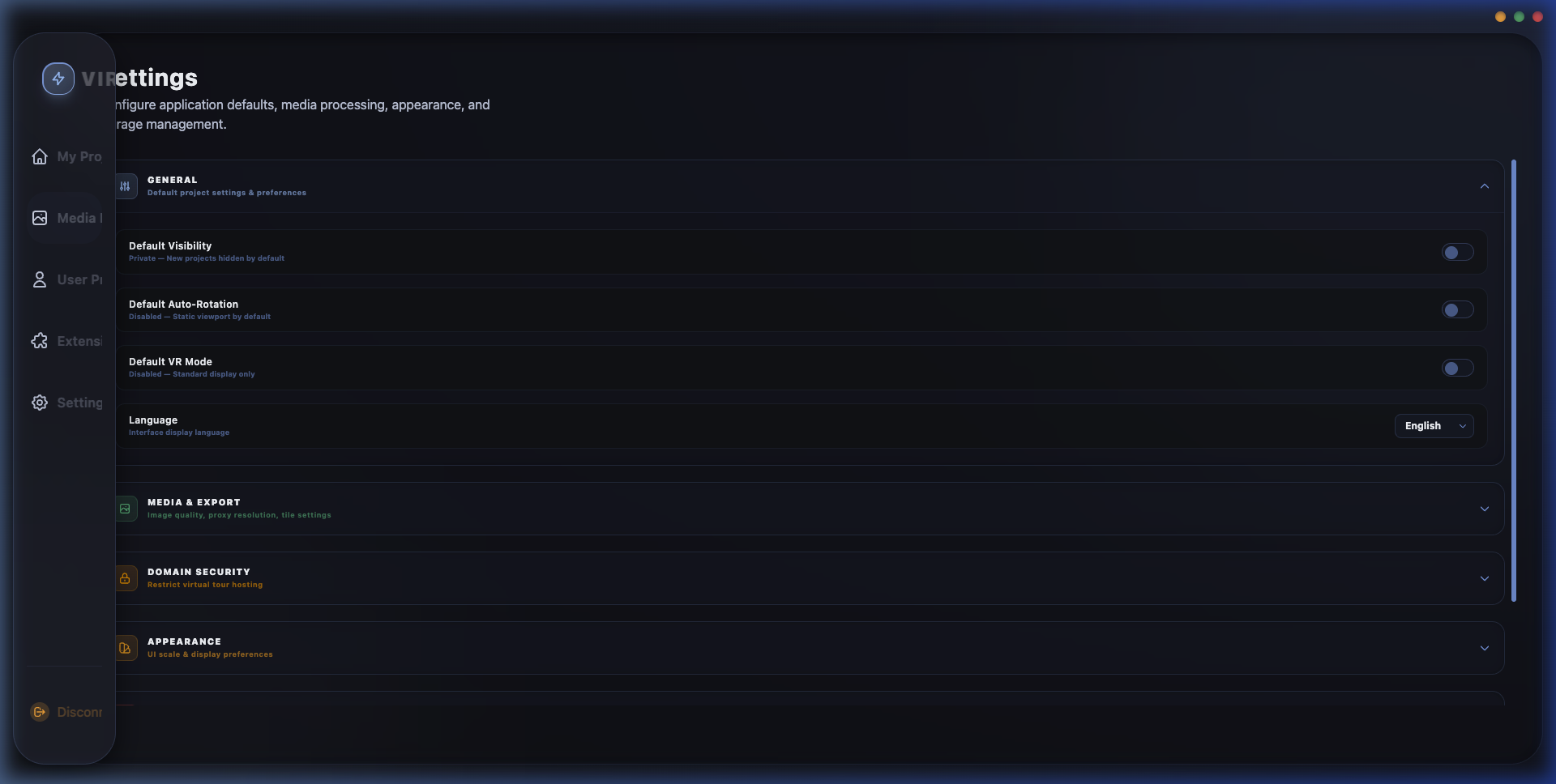
Built for Professional Workflows
Why creators choose a native desktop application over web-only editors.
Offline Independence
Work on massive 360° virtual tours anywhere. Import photos and link hotspots completely offline without internet delays.
Native GPU Power
Utilize full system hardware. Electron enables lightning-fast local WebGL previews and high-res tour compiling speeds.
Total Asset Privacy
Your high-res panoramas remain on your machine. No mandatory cloud storage, zero bandwidth limits, and secure local exports.
Create in Three Simple Steps
Import Panoramas
Drag and drop high-resolution panoramas into the Studio Media Library.
Link Hotspots
Visually link scenes together and add interactive tooltips or info text.
Export & Publish
Compile a lightweight folder and upload to your website or view offline.
Get Virtual360 Studio
Start building premium 3D virtual tour experiences today.
Windows Edition
- ✓ Direct GPU Hardware Acceleration
- ✓ Automatic updates
- ✓ Desktop shortcut
macOS Edition
- ✓ Apple Silicon & Intel Native Support
- ✓ Clean dmg drag-to-install
- ✓ Full system sandboxing
Frequently Asked Questions
Got questions about Virtual360 Studio? Find quick answers below.
Yes, Virtual360 Studio is a native desktop application. You can import panoramas, construct hot-spots, customize themes, and preview your 3D tours completely offline without any active internet connection.
You can export your completed tours as lightweight, standard HTML5 bundles. These directories contain optimized assets (WebP images, vanilla Javascript, and CSS) that can be hosted on any static web server (such as Netlify, Vercel, or AWS S3), embedded via iframe, or viewed locally.
No, we offer a lifetime license. Once you purchase Virtual360 Studio, you own that version forever with no recurring charges. This includes offline build privileges and complimentary patch updates for the version line.
Unlike web-based builders that force you to upload assets to their servers, Virtual360 processes all GPU rendering and panorama optimizations locally on your machine. Your raw camera assets and client files never leave your computer, guaranteeing total data privacy.
Have questions or custom requirements?
Join our mailing list to receive product updates, tutorials, and early access previews.